1
Download extension
Add it to Chrome for free.
This free Chrome extension captures screenshots and the code of your website so ChatGPT
can create a free report for you.
Save your site so AI can review the real pages and screenshots.
Built by Pantheon Network and Redwood UX.
We capture your real pages so the report is based on what’s actually there.
We built this for ourselves. Then we realized people who don’t code rarely get this quality of feedback on their own website, and end up relying on others. But no one knows your business and your value proposition better than you — so we built this for the community. We hope you use it well.
In a nutshell: the extension saves your website’s screenshots and code to a folder on your computer. You drag and drop that folder into ChatGPT, Claude, Gemini — whichever you use — get a report, and then keep chatting with it to ask follow-up questions and make decisions.
Sincerely,
Pantheon Network & Redwood UX
Add it to Chrome for free.
Open your site and let it capture the key pages.
Upload the saved files to your favorite AI.
Read the report, then ask follow-up questions.
Drag the saved folder into ChatGPT or your favorite AI, paste the prompt, and let it write the report.
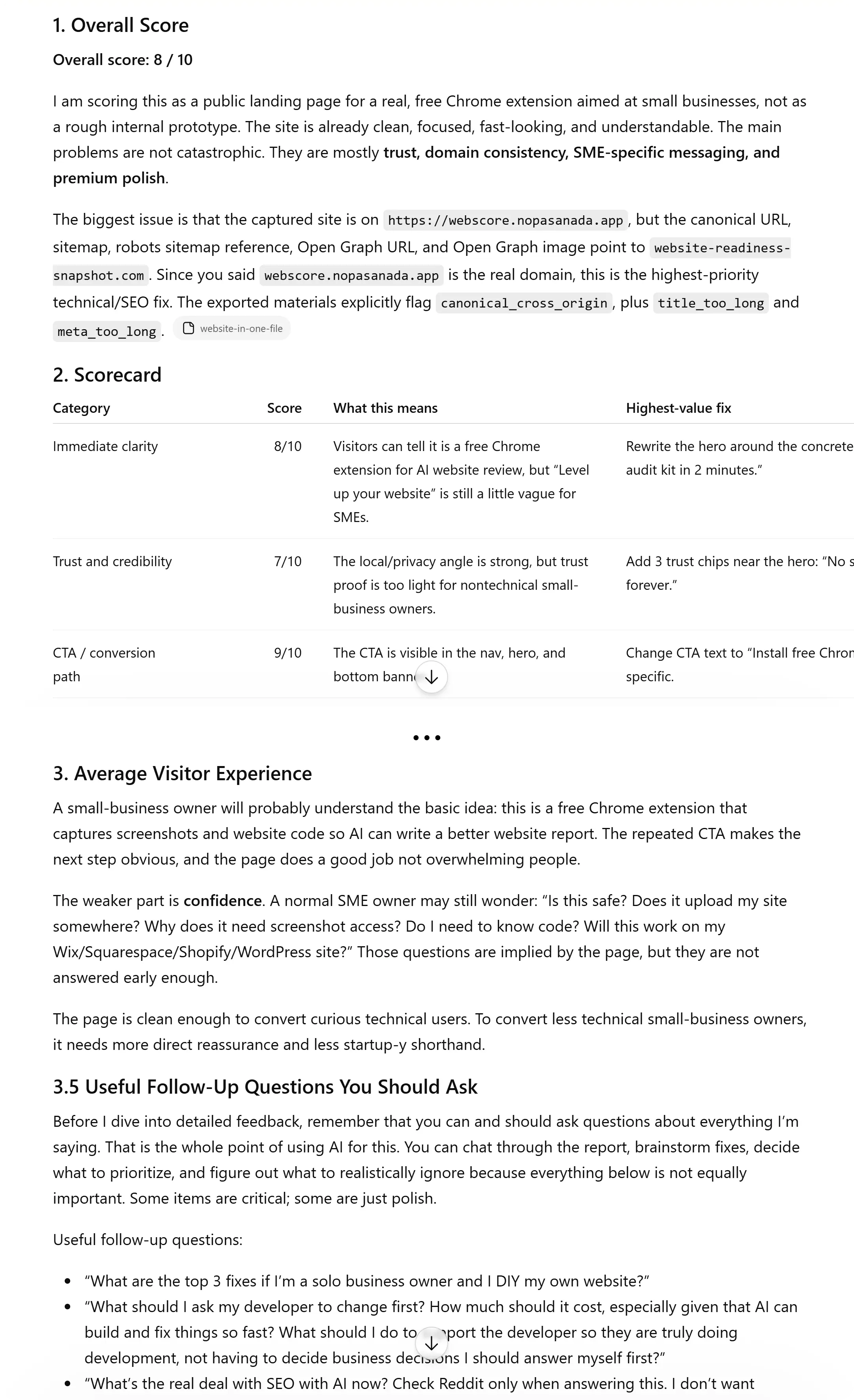
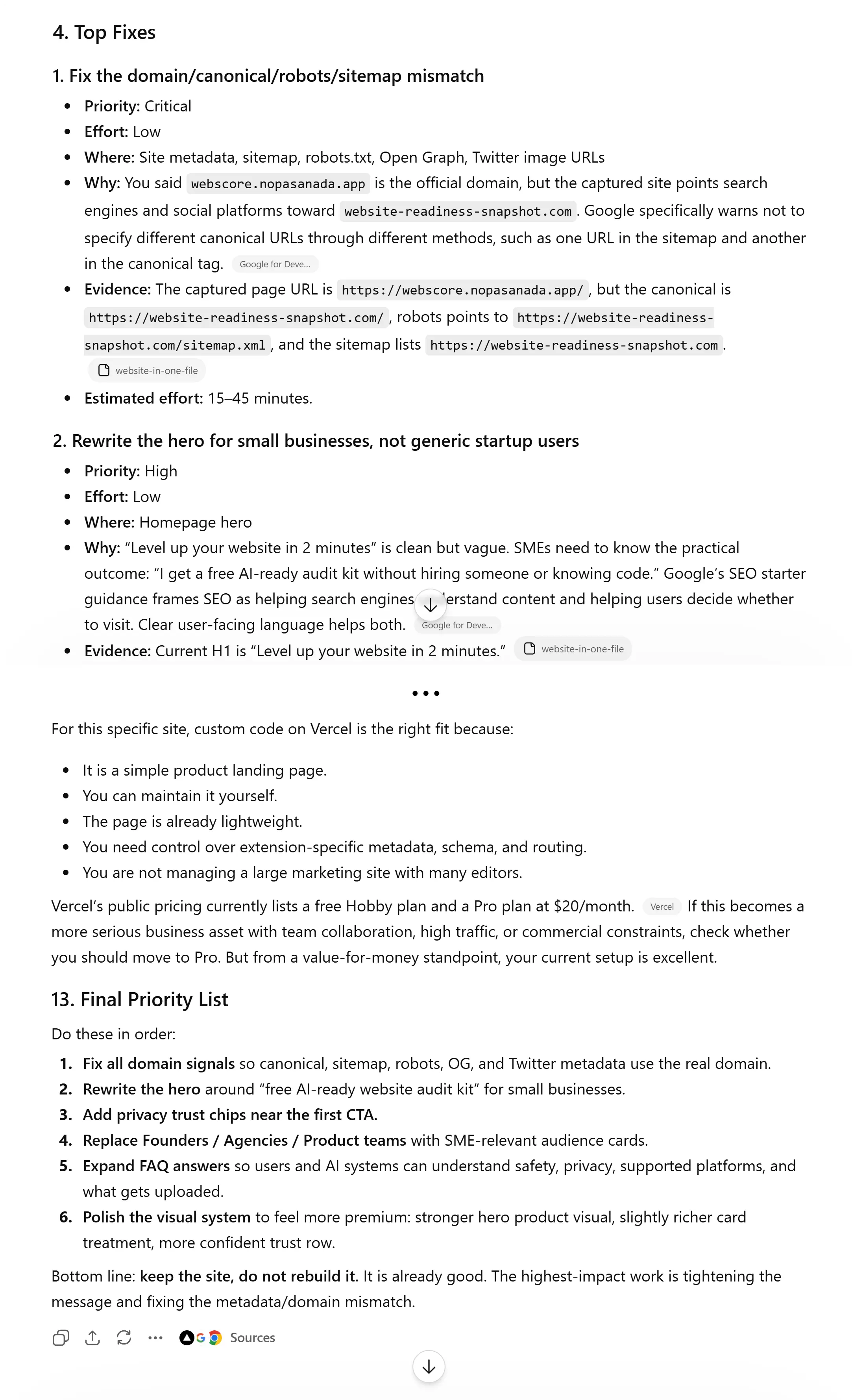
Your website looks great.
Here are 10 fixes, ranked by importance.
1. Make the main CTA clearer.
The extension saves a folder on your computer. It does not send your website to our servers, call an AI model, or crawl your entire site automatically.
You choose what to drag into ChatGPT, Claude, Grok, or another AI tool.
Check whether your homepage, pricing page, and demo flow are actually understandable before sending people there.
Get a plain-English read on what is helping, hurting, or confusing visitors before paying for a redesign.
Turn a client site into screenshots, page evidence, and implementation notes before writing recommendations.